Customer rewards login

Their rewards, one tap from your site.

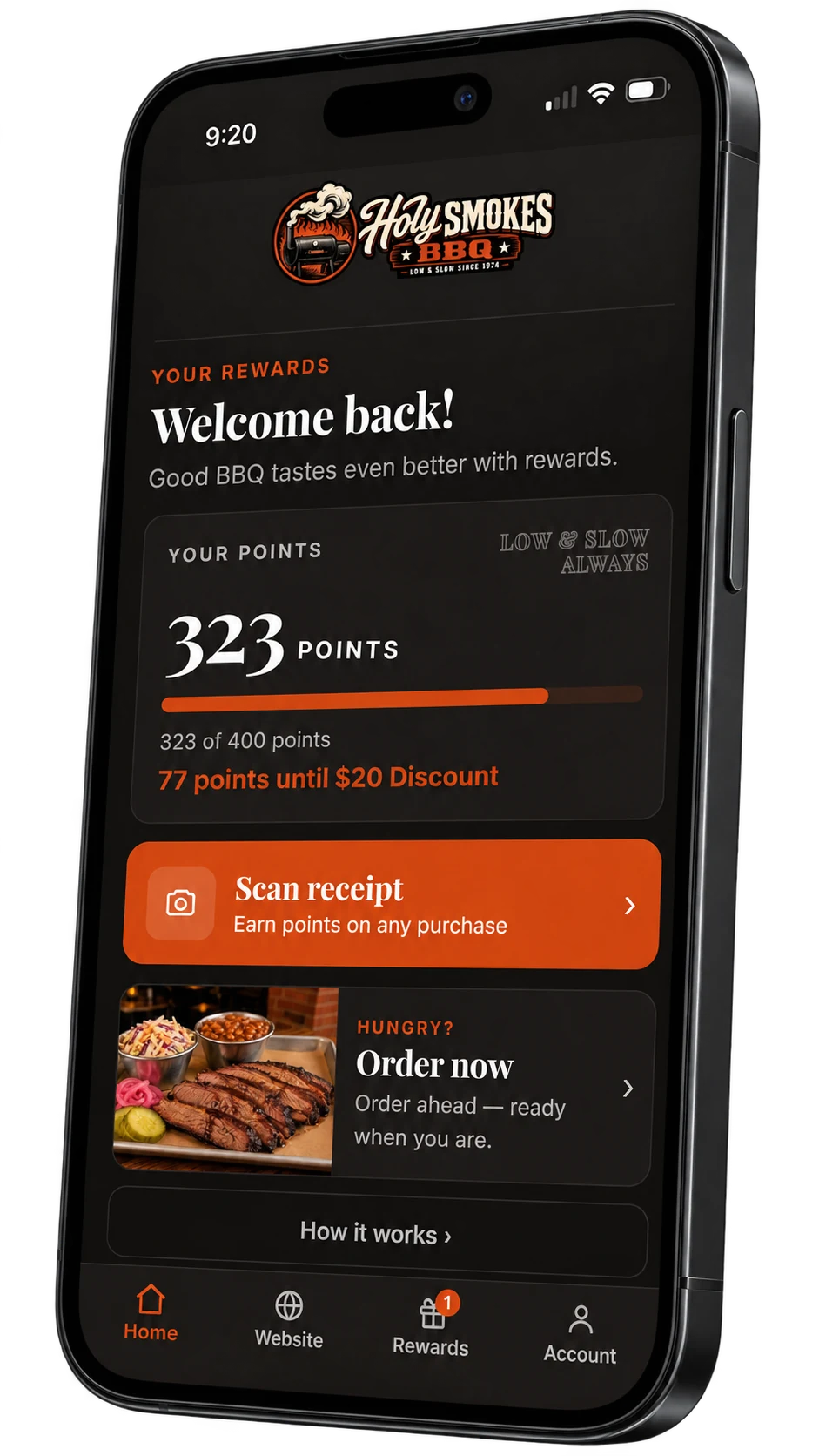
Guests join from your website and sign in with a code sent to their phone or email. No password and no app to download, just their points, rewards and gifts in your colors and logo.

How it works

From your website to their rewards in seconds.

Nothing to install, nothing to remember.

01

Join from your site

A Rewards link and a join page on your website, in your design. Guests type a phone number or an email.

02

Sign in with a code

We send a six-digit code by text or email. No password to make up or forget.

03

Earn and redeem

Points and rewards add up in one place, and a reward is redeemed at the counter in a tap.

Built in

A rewards account guests actually open.

Everything a member needs, on the phone already in their hand.

No app to download

It opens in their browser, and they can add it to their home screen to open it like an app.

No password

A six-digit code by text or email signs them in. There is nothing to remember.

Points and progress

Their balance and how close they are to the next reward, right on the first screen.

Gifts and birthdays

Joining gifts and birthday treats land in their account, ready to redeem.

Scan a receipt

Guests snap a photo of their receipt and the points are added. Works with any POS.

Your brand

Your colors, fonts and logo, so it feels like part of your restaurant.

At the counter

Redeem with a spinning badge.

When a guest redeems, their phone shows the reward, today’s date, a live clock and a turning badge. Staff check it at a glance, and nothing leaves their balance until it’s applied. A screenshot can’t fake it.

  • A live clock and a turning badge
  • Nothing is spent until staff apply it
  • Works at any counter, with any POS

On your website

Joining starts on your site.

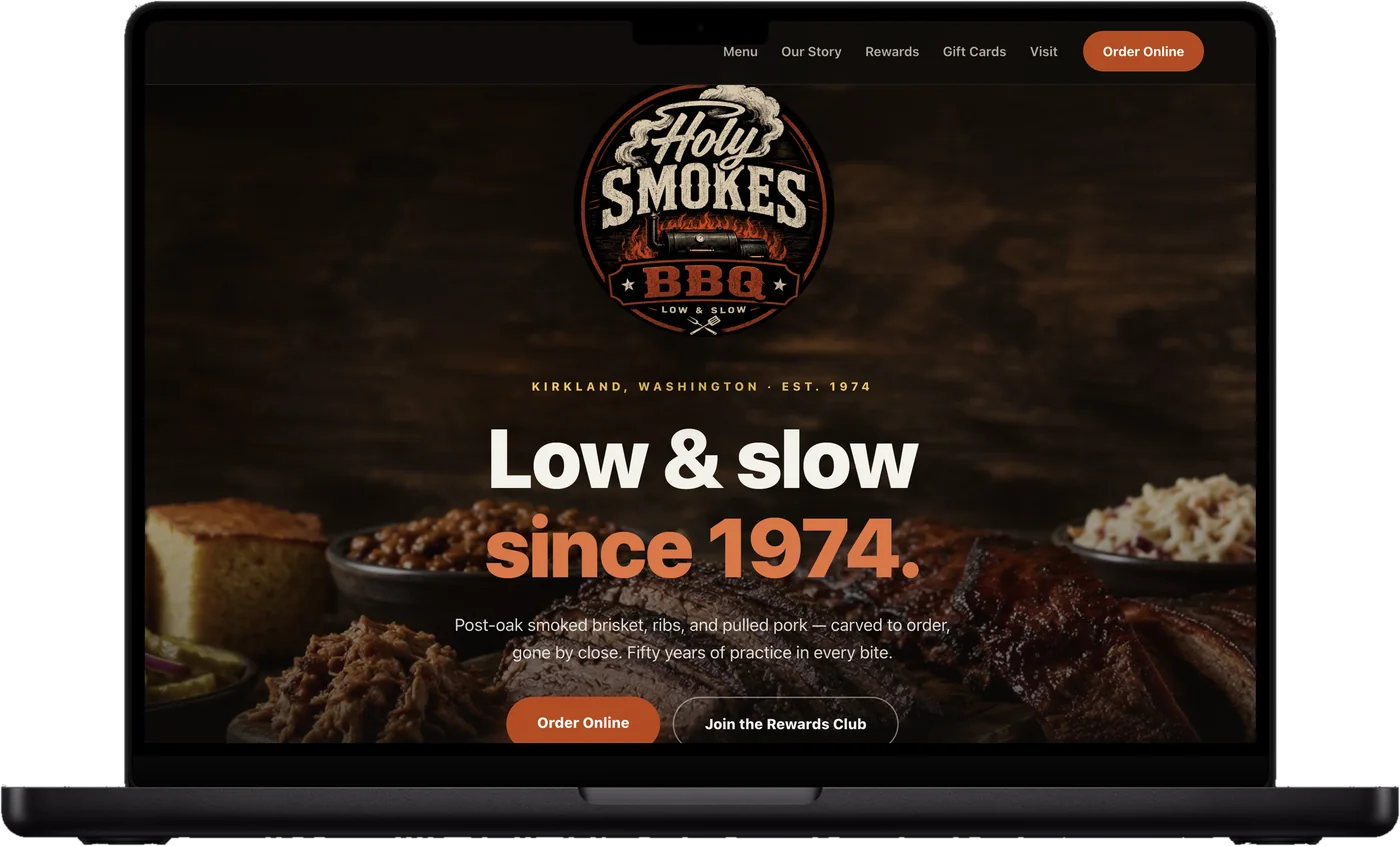
Your site carries a Rewards link and a join page in your own design. Guests type a phone number or email, confirm a code, and they’re in. Members who already joined sign in from the same page.

  • A join page in your design, on your domain
  • Phone or email, no password
  • Members sign in from the same page
The Holy Smokes demo restaurant website on a laptop

Rewards questions

Straight answers.

Do guests need to download an app?

No. Their rewards open in the browser on their phone, and they can add them to their home screen to open like an app.

Do guests need a password?

No. They sign in with a six-digit code we send to their phone or email.

Where does the rewards account live?

The join page lives on your website. The account itself opens on Splango’s secure rewards page, in your colors and logo, and it’s the same page your texts and emails link to.

What if someone joined at the counter?

They sign in with the same phone number or email, and everything they’ve earned is already there.

Can guests get to their rewards from a text or email?

Yes. Your texts and emails link straight to their rewards account.

Let’s talk about your restaurant

Your next regular
is already out there.

See how Splango could work for your business. We’ll show you the experience and talk through your setup.

  • A walkthrough of the guest experience
  • A plan for your restaurant and locations
  • Room for all your questions

We’ll use these details to respond to your request. Privacy policy

Contact us

Questions, support or anything else. We’ll reply by email.

We’ll only use this to reply to you. Privacy policy