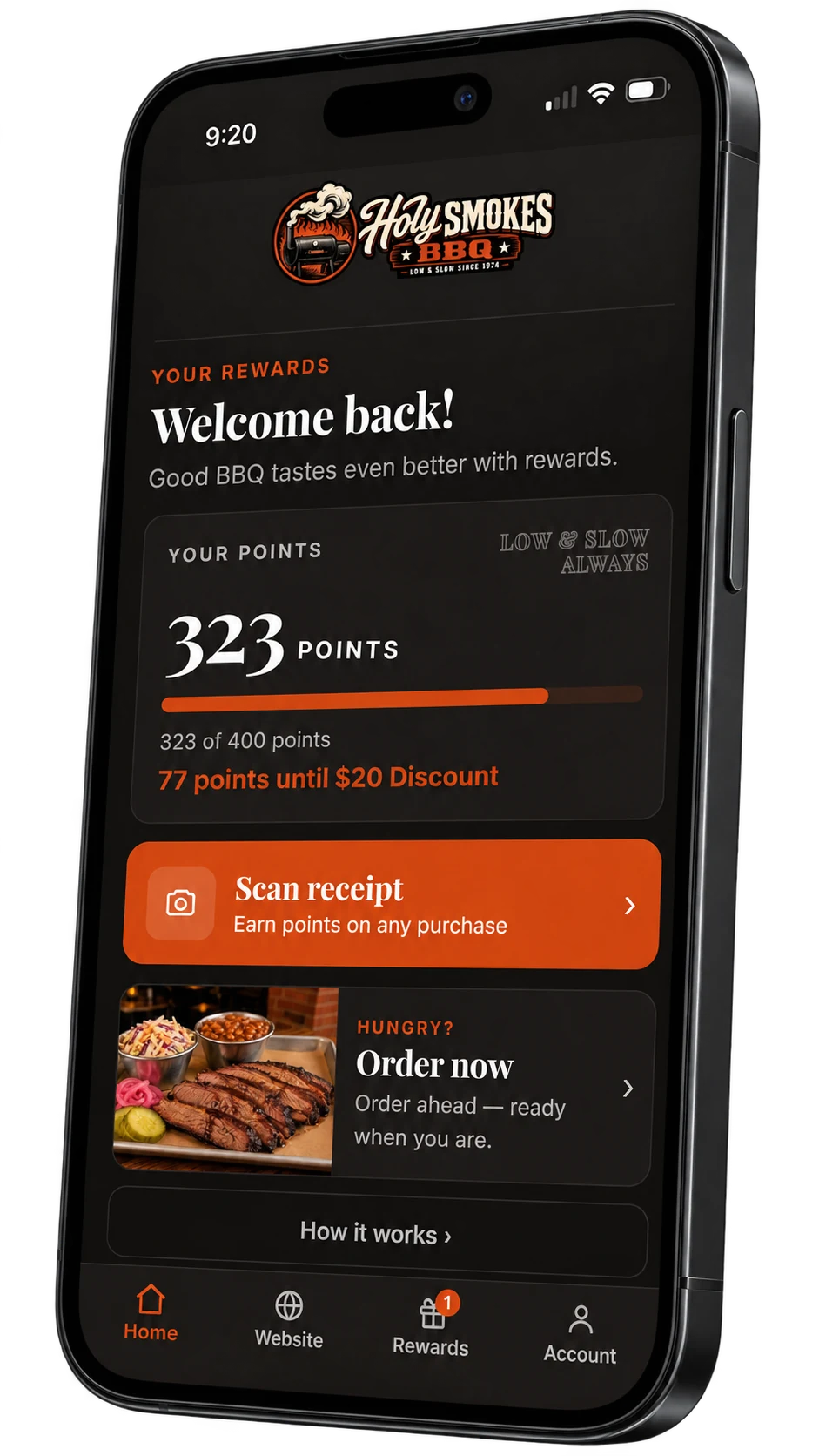
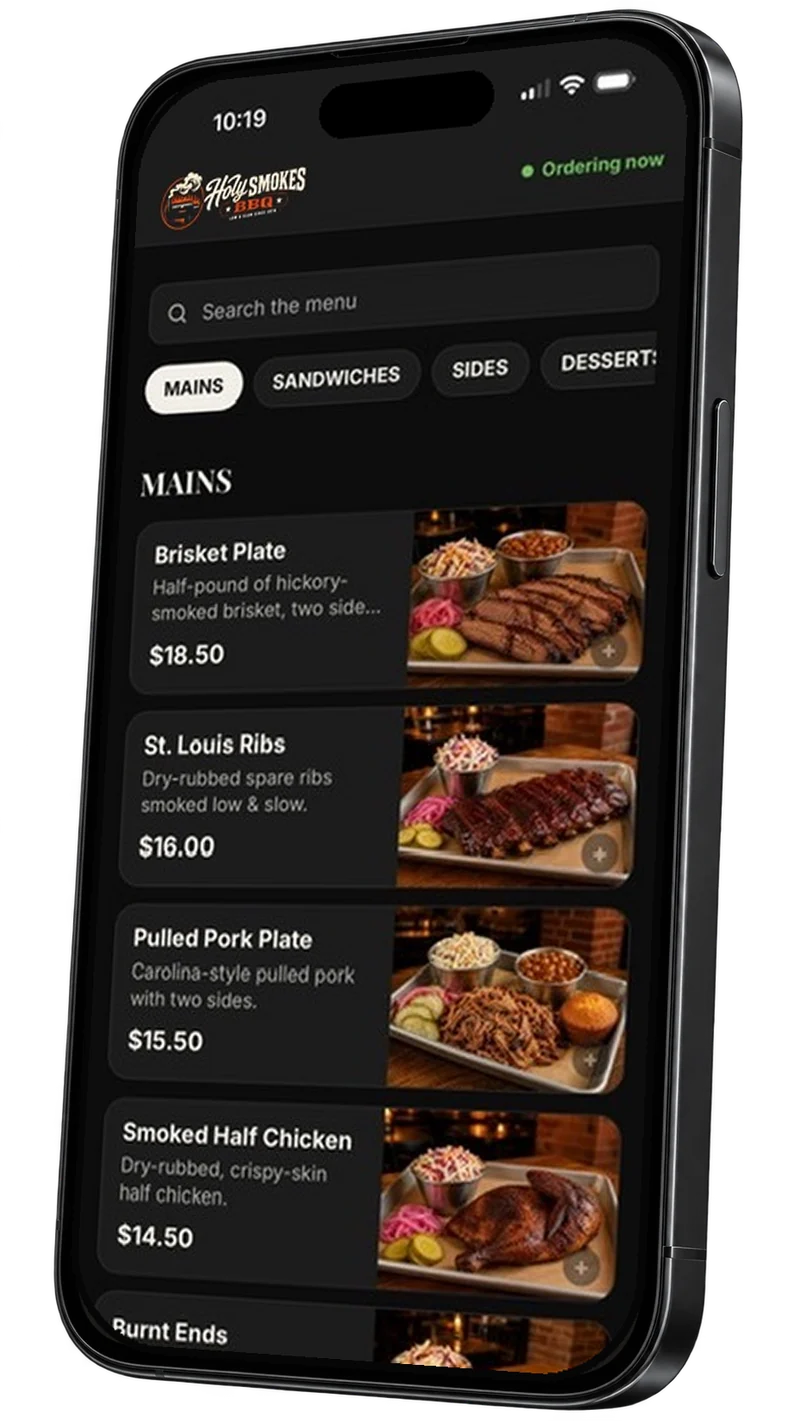
Connect your Clover account once. Points add up on their own, scanned receipts are checked against your till, and online and phone orders print in your kitchen.
Coming soonThe Splango app for Clover is on its way to the Clover App Market.
Points without scanningOnline and phone orders on CloverConnect in minutes
How it works
Connect once. It runs from there.
Nothing new for your staff to learn at the register.
01
Connect Clover
You sign in on Clover’s own page and approve Splango. We never see your Clover password, and you can disconnect at any time.
02
We set it up
Your rewards, your menu and what earns points, set up with you. Your menu can go to your Clover from Splango.
03
Guests earn as they pay
Members who take a text or email receipt get their points automatically. Voids and refunds take them back on their own.
What the integration does
Your Clover and your rewards, finally talking.
Coming soon. Each piece can be switched on when you’re ready.
Points without scanning
When a member takes a text or email receipt on your Clover, the points land in their account within minutes. No photo, no paper.
Receipts checked against Clover
A scanned receipt is matched to the real Clover payment: the true amount, the time, and whether it was refunded.
Voids and refunds, handled
Void a sale or refund it on Clover and the points come back off. No one has to remember to fix a balance.
Your menu, on your Clover
Keep your menu in Splango and send it to Clover: categories, items and prices, without retyping them on the register.
Online and phone orders on the till
Orders from your website, and calls taken by our AI phone assistant, appear on Clover and print in the kitchen. No extra tablet to watch.
Card payments online
Guests can pay by card when they order online, and the money settles through your own Clover account.
At the register
Points without the paper.
Your guest pays on Clover and chooses a text or email receipt. If that number or email belongs to one of your members, Splango adds their points a few minutes later. Nobody scans anything, and your staff do nothing new.
Matched only to members who already joined
One credit per payment, never twice
See what members order and send offers to the people who order it
Holy Smokes BBQ
Purchase at the counter
+22 points
Balance 340 points
60 points until a $10 discount
Added automatically from a Clover receipt
In the kitchen
Online orders, straight to your Clover.
An order placed on your website shows up on Clover as an open order and prints like any other ticket. Pickup orders booked ahead print when it’s time to start cooking.
The items and the guest’s name on the ticket
Pay at pickup, or pay online by card
Canceled online, taken off the till
On the phone
Phone orders, taken by AI, sent to Clover.
Splango’s AI phone assistant answers your ordering line, takes the order from your current menu and reads the total back. The order lands on Clover marked as a phone order and prints like any other ticket, while your staff keep cooking.
Orders from your live menu, priced by Splango, never guessed
Knows when you’re closed and offers the next pickup time
Marked “Phone” on Clover and the kitchen ticket
Incoming call · Holy Smokes BBQ
Can I get a brisket plate and two cornbreads for pickup?
Got it: one Brisket Plate and two Cornbread. That’s $28.00 with tax, ready in about 20 minutes. Can I have a name for the order?
PhonePhone 7QJ4 · Sam1 Brisket Plate2 Cornbread
Sent to Clover and printed in the kitchen
Clover questions
Straight answers.
Do I need a new POS?
No. Splango works with the Clover you already have. You keep ringing sales up exactly as you do today.
Does Splango see my Clover password?
No. You sign in on Clover’s own page and approve Splango there. You can disconnect from Splango at any time, and it’s also listed in your Clover account.
What does a guest have to do to earn points?
Pay as usual and choose a text or email receipt with the phone number or email they joined with. They can also scan their paper receipt in their rewards account.
What happens if Clover is unavailable?
Your rewards keep working. Receipt scanning still works on its own, and payments are checked again for automatic points once Clover is back.
Does Splango take a cut of my sales?
No. Splango charges one monthly fee and 0% commission. Card payments taken online are processed through your own Clover account.
I’m not on Clover. Can I still use Splango?
Yes. Splango works alongside any POS, with receipt scanning, the sign-up kiosk and staff confirming rewards at the counter.
Let’s talk about your restaurant
Your next regular is already out there.
See how Splango could work for your business. We’ll show you the experience and talk through your setup.