
Simple redemptions
Redeem at the counter in one tap.
When a guest redeems a reward, their phone shows the reward, today’s date, a live clock and a turning badge. Staff check it at a glance and apply it, with any POS.
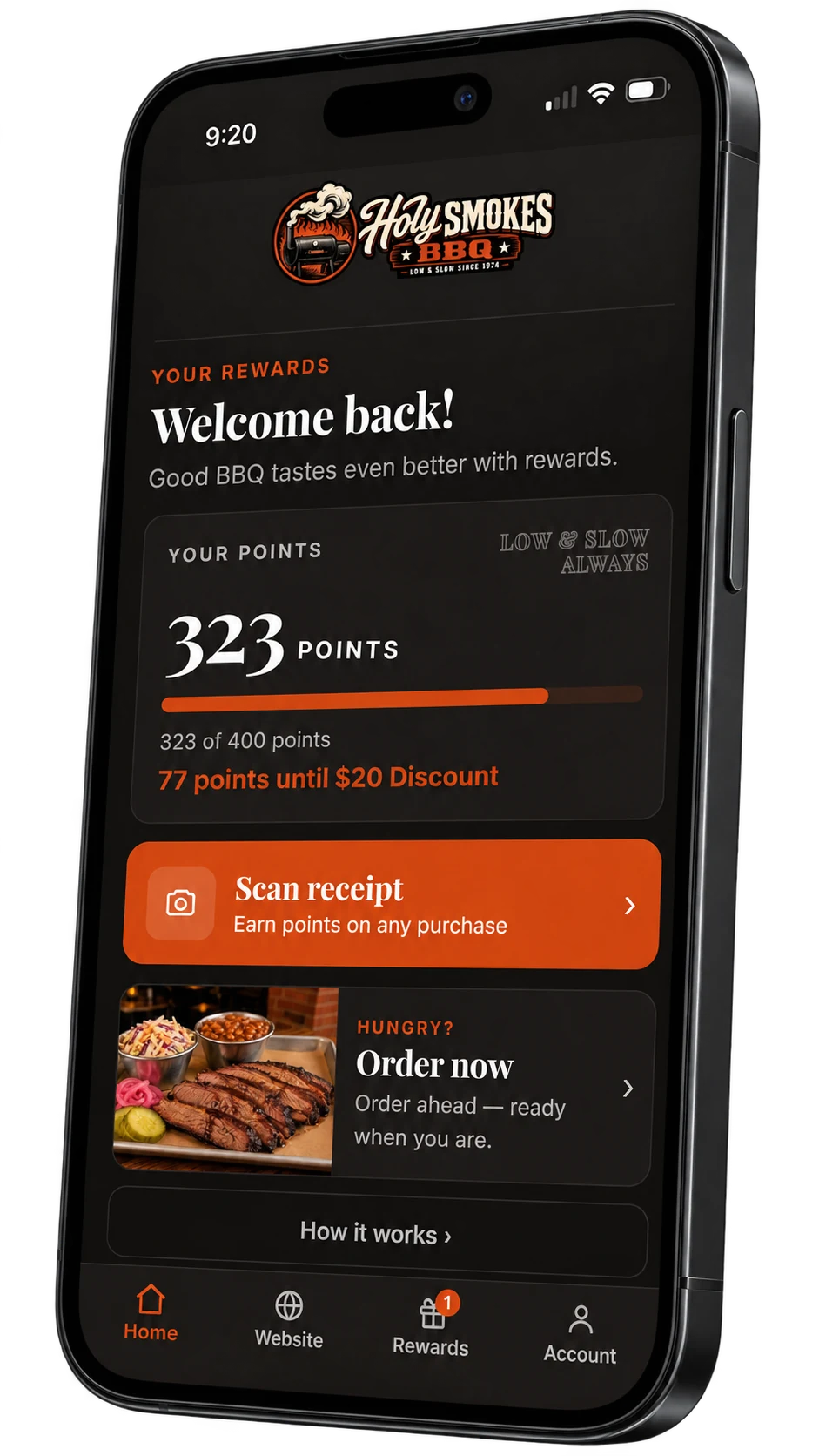
How it works
Show it, check it, done.
No codes to type and nothing to install at the register.
The guest taps Redeem
They pick the reward in their account and show the screen at the counter.
Staff check the badge
The date, the running clock and the turning badge show it’s live. A screenshot can’t fake it.
Applied, then spent
The guest taps Done once the reward is applied. Nothing leaves their balance before that.
Built in
Simple at the counter. Clear afterwards.
Every redemption listed
Your Redemptions page lists each one with its reference code and time.
Or from the counter tablet
Staff can also redeem for a guest from the sign-up kiosk, behind a staff PIN.
Abandoned? It expires
A badge that is opened and never used times out, and nothing is spent.
Let’s talk about your restaurant
Your next regular
is already out there.
See how Splango could work for your business. We’ll show you the experience and talk through your setup.
- A walkthrough of the guest experience
- A plan for your restaurant and locations
- Room for all your questions